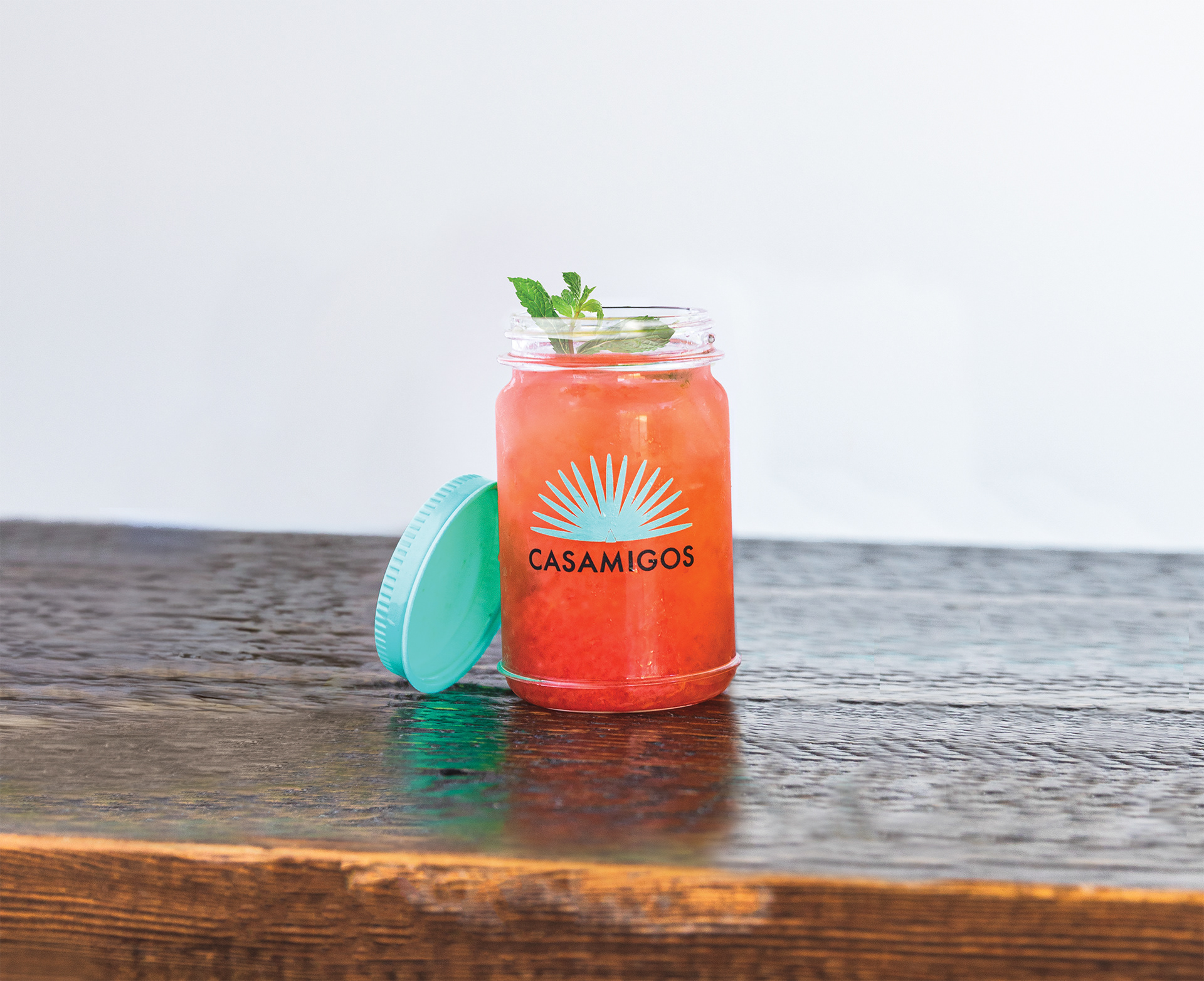
Often, my work at Casamigos requires specific imagery that doesn't currently exist. In these cases, I turn to Photoshop to create the visuals we need. Swapping garnishes, changing the color of a drink, merging two photos together, etc. are all a part of bringing Casamigos to life through our eye-catching imagery. Below are some examples of my photo manipulations.
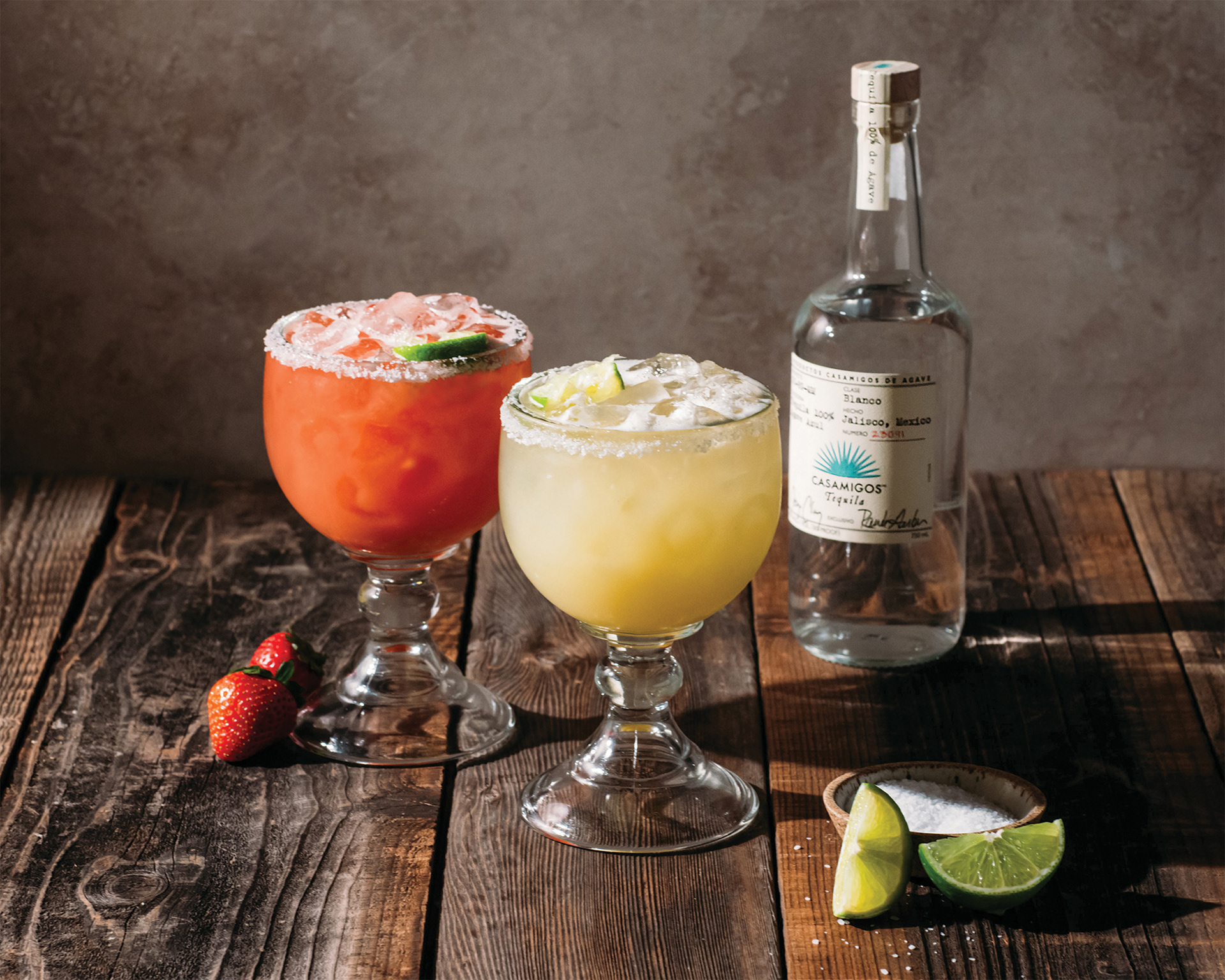
Casamigos Margaritas (Original)
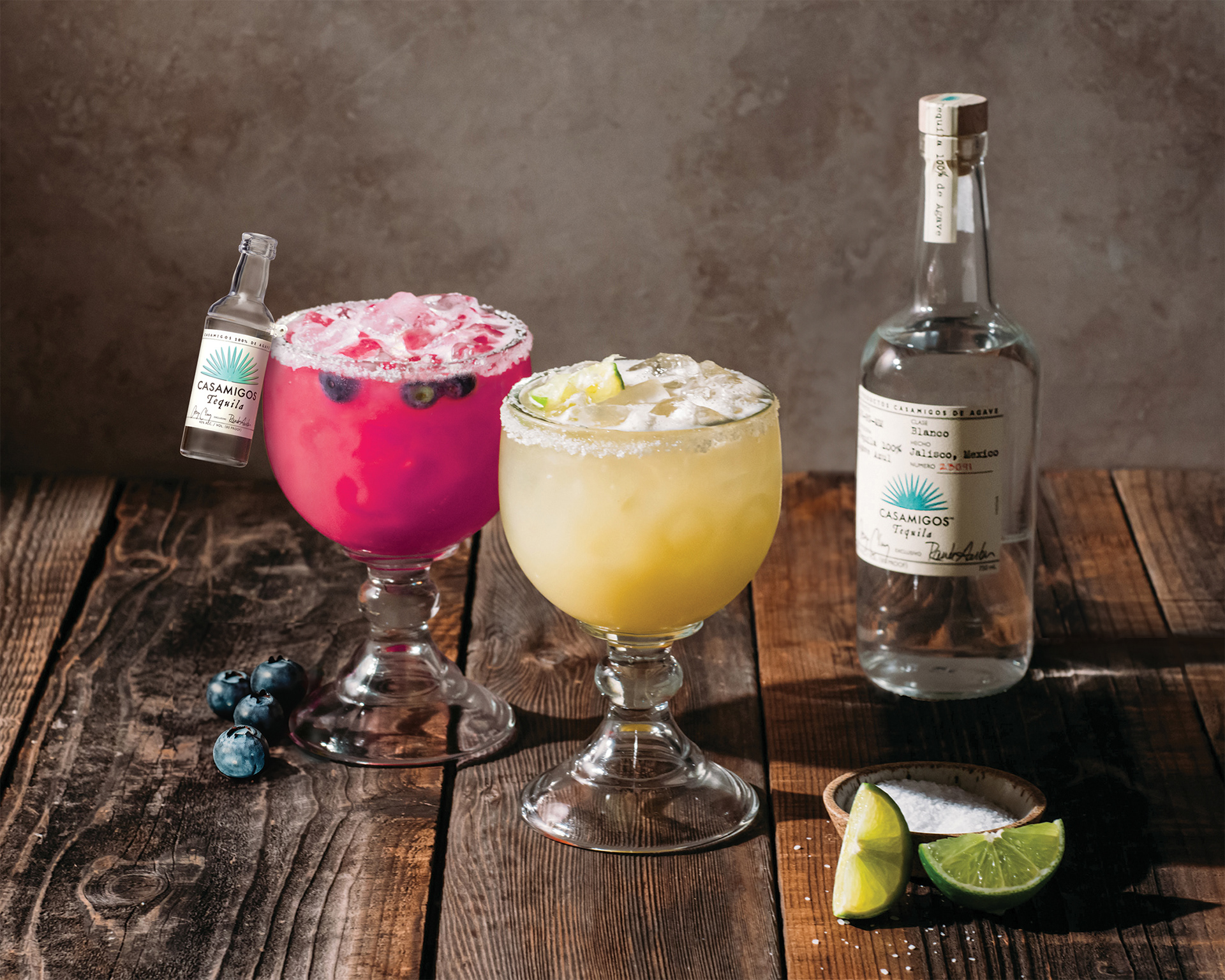
Casamigos Margaritas (Edited): I added the sidecar and turned the Strawberry Margarita to a Blueberry Margarita.
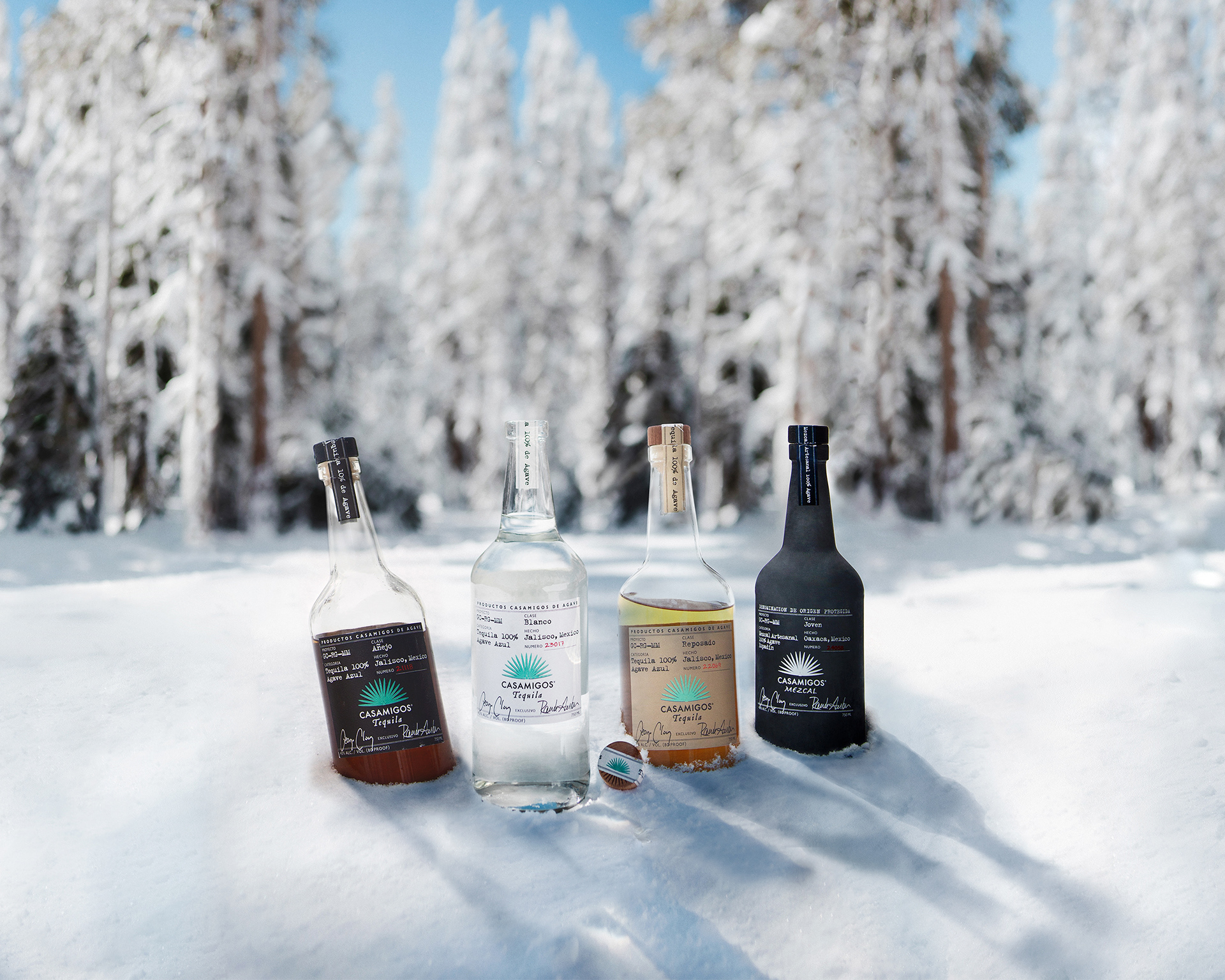
Casamigos Bottles (Original)
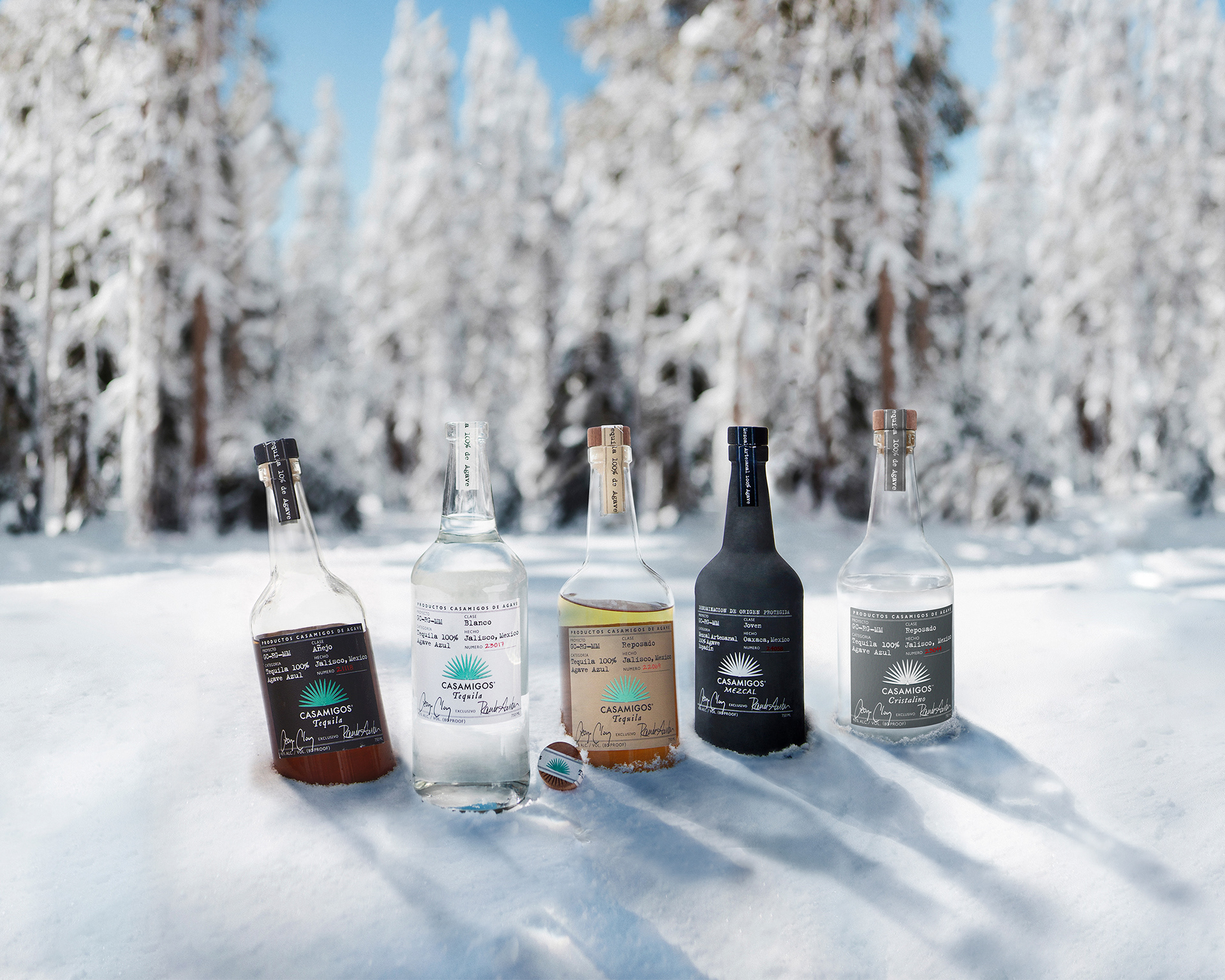
Casamigos Bottles (Edited): I added a 5th bottle (Cristalino) to the right of the other bottles.
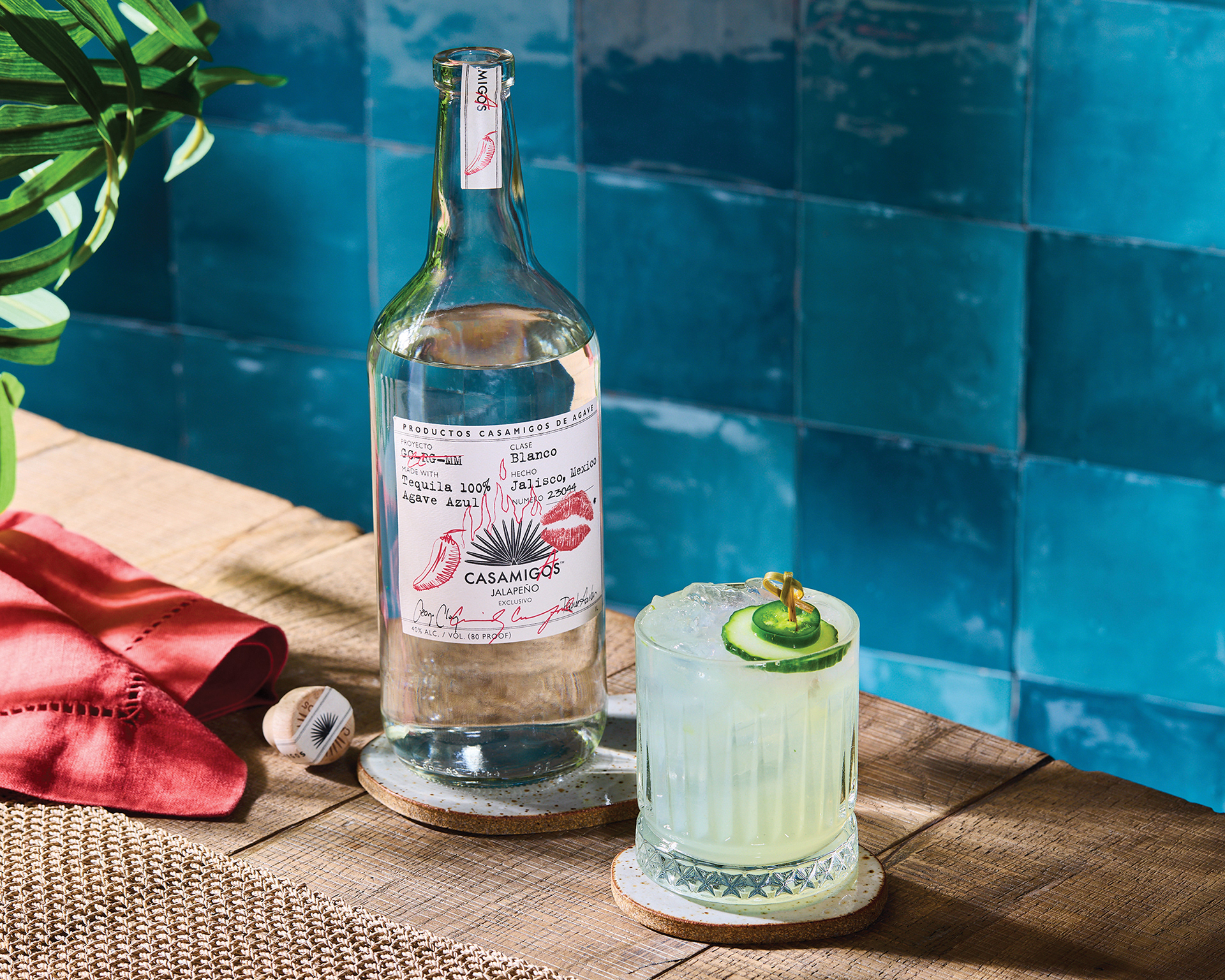
Spicy Margarita (Original)
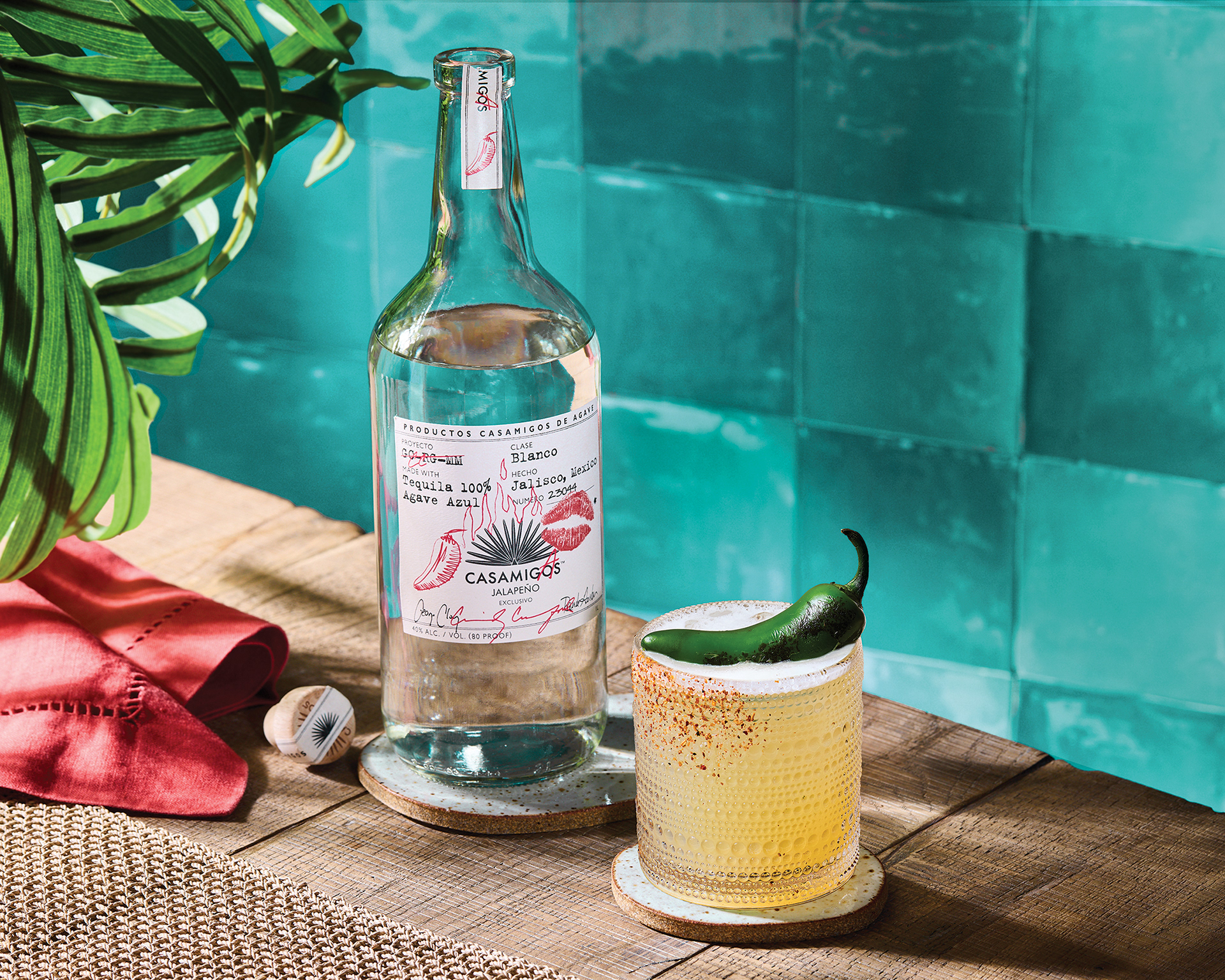
Spicy Margarita (Edited): I replaced the drink image, changed the background color to be closer to our signature teal, and move the plant leaves closer to the bottle.
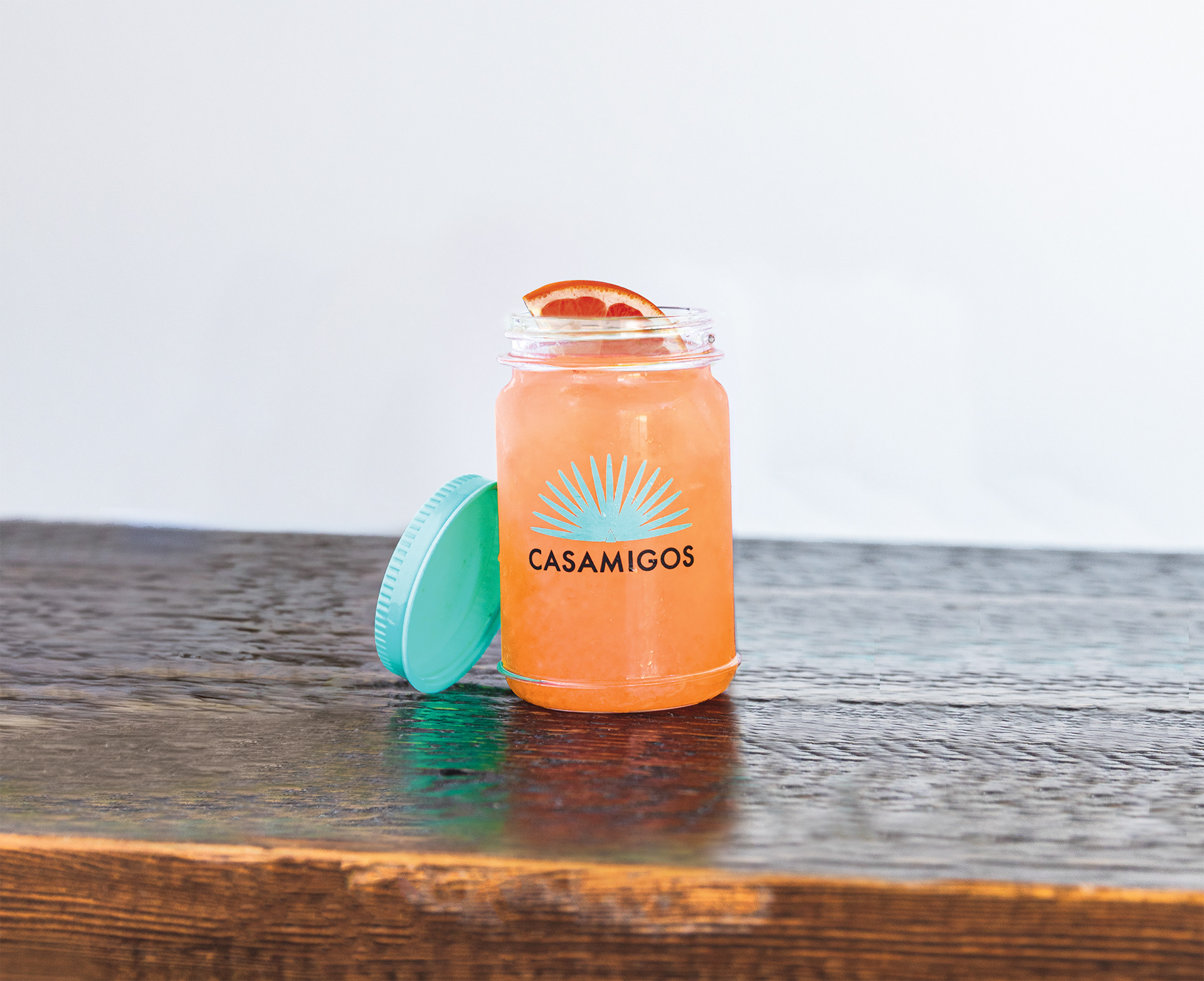
Casamigos Mason Jar Margarita (Original)